Belgium's Peppol e-invoicing mandate in 2026: what webshops must do
A PDF invoice can look immaculate and still be the wrong format. Here is the Belgian B2B workflow your webshop needs to get right.
Your customer emails: “Could you send this invoice through Peppol?”
You attach the PDF again, just in case they missed it. They reply, very patiently, that they need the structured invoice.
This is the change Belgian webshops have had to handle since January 2026. The invoice is no longer just a document a person reads. It also needs to be data that another system can receive and process correctly.
The deadline has passed
Since 1 January 2026, structured electronic invoicing is compulsory for in-scope transactions between Belgian VAT-liable businesses. A PDF sent by email does not, on its own, satisfy that structured-invoice requirement. Consumer sales are a different scope question; do not turn every B2C checkout into a compulsory business-registration form. Start with the Belgian authorities' B2B guidance1.
There are exceptions and cross-border distinctions. Establish which legal entities and transactions are covered with your accountant. Having a Belgian VAT number is not a complete decision tree, particularly for businesses not established in Belgium.
The awkward operational detail: a shop that mainly sells to consumers may still need to receive supplier e-invoices. Your outgoing Magento integration and your incoming accounting process are separate responsibilities.
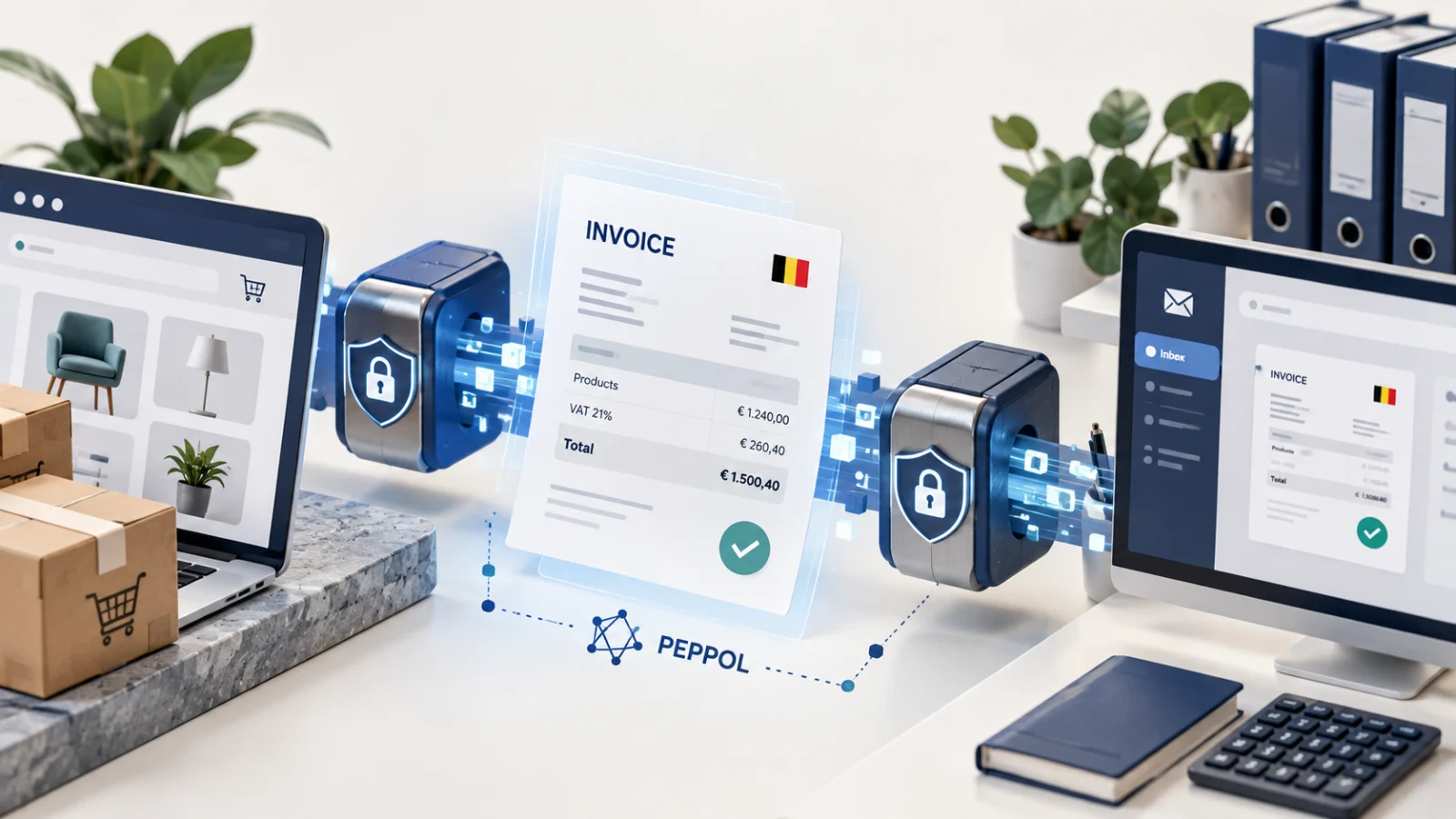
A structured invoice contains named fields that software understands: seller, buyer, tax categories, amounts, references and invoice lines. Peppol provides a way for connected businesses to exchange supported documents through access points.
Think of three jobs: build the correct invoice data, validate the document and deliver it to the right participant. A successful export only proves that a file was created. It does not prove the buyer received or accepted it.
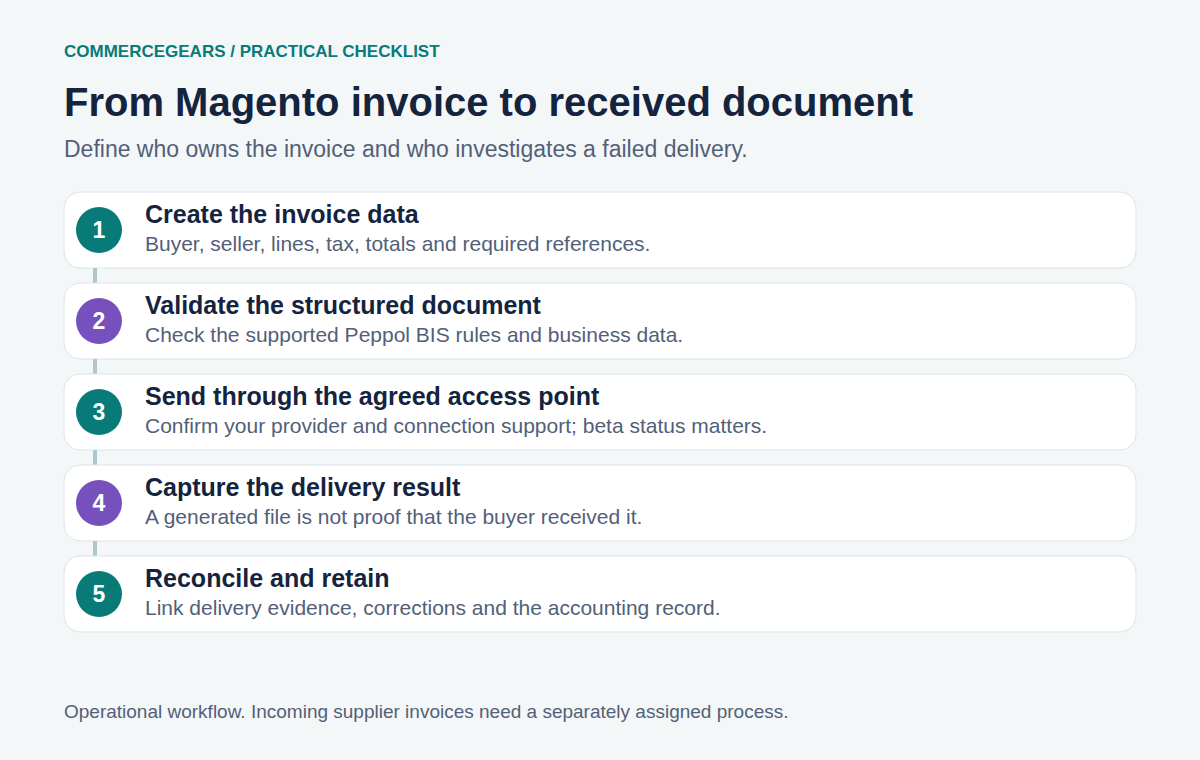
Our general Peppol guide covers the network. For a Belgian rollout, concentrate on ownership and reconciliation: where is the official invoice created, and how will finance know that its delivery failed?
Decide whether Magento or the ERP issues the invoice
If your ERP already issues and sends the legal invoice, adding a second sender in Magento can create duplicate documents or conflicting numbers. Agree the source of truth before installing anything.
| Operating model | What to verify |
|---|---|
| Magento issues the invoice | Magento document data, numbering, tax treatment, credit notes and delivery status |
| ERP issues the invoice | Reliable order transfer, references back to Magento and clear customer communication |
| Accountant issues the invoice | Handover timing, required customer data and ownership of corrections |
A PDF can remain useful to a human reader, but it should not become a competing legal record with different totals. Make any customer-facing copy consistent with the structured original.
Collect business data where it belongs
Check real business orders before adding more checkout fields. Which company identifiers already exist? Are they saved consistently? Does a change to the customer account alter historical invoice data unexpectedly?
Customer Attributes can collect additional account or address information. Checkout Fields can collect order-specific references such as a purchase order number. Neither automatically makes every custom field a valid Peppol field: verify the explicit mapping in the invoicing integration.
Avoid asking every consumer to understand a Peppol endpoint. The authorities' FAQ says you should not simply require customers to supply a Peppol ID as a universal rule. Work with your provider on participant discovery and the identifiers appropriate to your transaction.
Test the invoices your shop really produces
One standard-rate order is a start. It is not a rollout plan. Build a small acceptance pack using authorised test data and your provider's test environment:
- A straightforward business invoice with a buyer reference.
- An order with shipping, discount and more than one tax treatment where applicable.
- Partial invoicing, if your fulfilment model uses it.
- A full credit note and a partial credit note linked to the original invoice.
- An invalid or unavailable recipient and a delivery retry.
- A duplicate send attempt and an accounting reconciliation check.
For each case, retain the generated document, validation result and delivery evidence. Check totals at line, tax and document level. Rounding errors have a remarkable talent for appearing only after everyone has declared the integration finished.
Do not silently regenerate a historical invoice from today's product or customer data. Corrections need the appropriate accounting process, not a fresh file with the old number.
What the CommerceGears module covers
E-invoicing: Peppol prepares Magento invoices and credit memos as Peppol BIS Billing 3.0 documents and validates them against the supported rules. Access-point connections are currently beta. Confirm your provider, document coverage, delivery workflow and support arrangements before depending on a connection in production.
The module is not a replacement for an access-point agreement, your accountant or an incoming purchase-invoice workflow. Provider charges and onboarding are separate things to check. “One-off module payment” should never be read as “the entire network service is free forever”.
Keep a rejection queue with an owner. Record the invoice number, customer, reason, retry history and resolution. Finance should not have to discover a failed invoice when the payment becomes overdue.
The Belgian authorities also explain software preparation and available solutions2. Review the current guidance alongside your accountant when defining exceptions and retention. The goal is a boring, dependable invoicing process. In finance, boring is a compliment.
Sources
- B2B guidance, checked 2 November 2026. ↩
- software preparation and available solutions, checked 2 November 2026. ↩
From our shop
Related Products
-
E-invoicing: Peppol
Peppol BIS Billing 3.0 invoices and credit notes from your Magento invoices, checked before sending, with the buyer looked up on the Peppol network, and sent through e-invoice.be, Recommand or Storecove (beta).
- Magento 2.4.7 – 2.4.9
- Hyvä
- Luma
- Version v2.2.2
$199
-
Customer Attributes
Add your own fields to Magento customer accounts and addresses, such as a company type, VAT number or address type, with rules per store and customer group, conditional fields and values on every order.
- Magento 2.4.7 – 2.4.9
- Hyvä
- Luma
- Version v1.2.0
$199
-
Checkout Fields
Add your own fields to the Magento checkout without code, such as a delivery date, PO number, order comment or a dropdown, and find the answers on the order, in the order grid, in emails and on the invoice PDF.
- Magento 2.4.6 – 2.4.9
- Hyvä
- Luma
- Version v2.1.1
$119