European Accessibility Act: why an accessibility widget is not enough for your online shop
Try buying something without touching your mouse. That tells you more than the accessibility icon in the corner ever will.
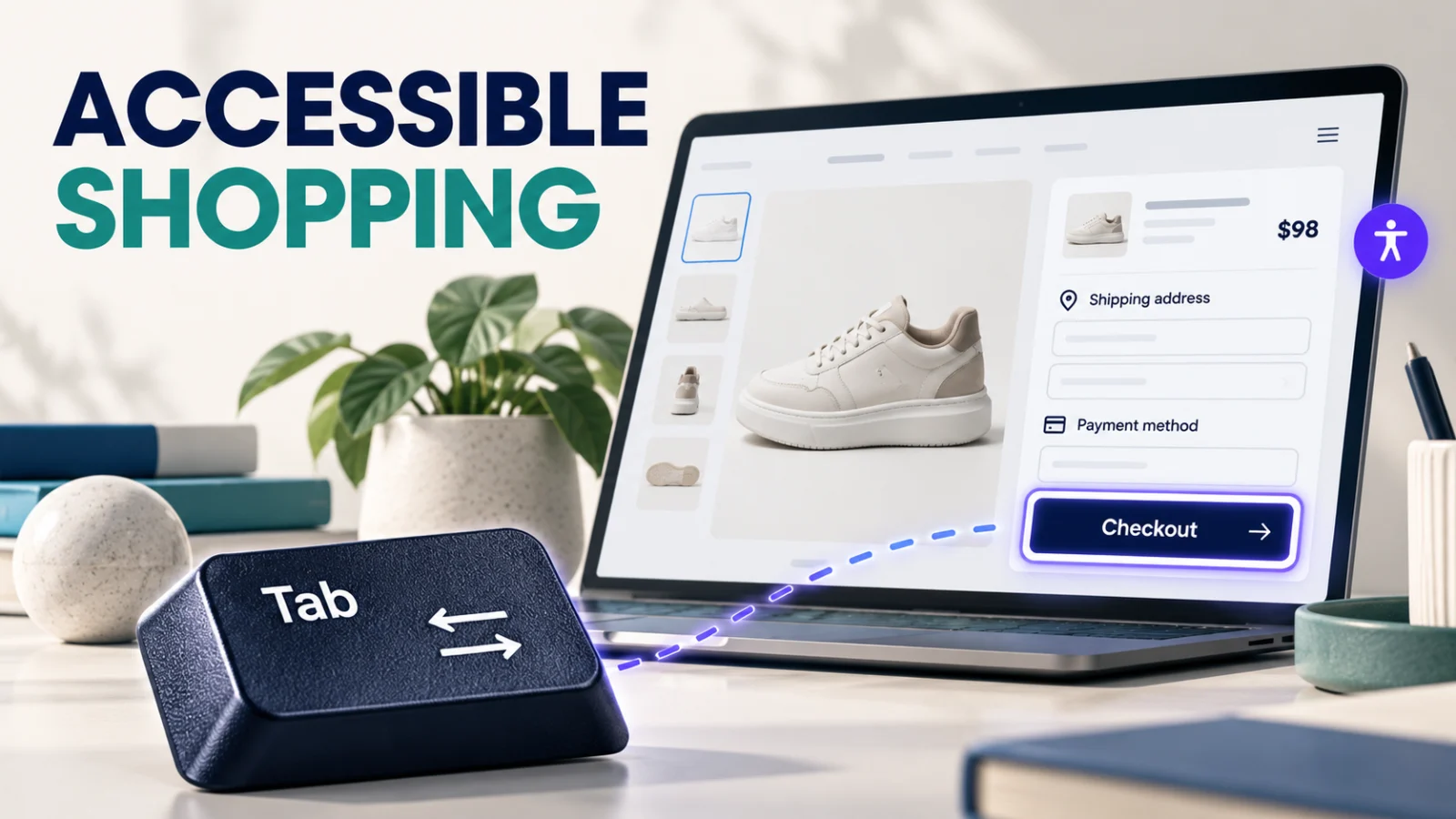
Put your mouse to one side. Open your shop, find a product, choose a size and try to pay using the keyboard.
If you get stuck inside a menu, cannot tell which button has focus or receive an error that says only “invalid value”, you have found something worth fixing. Adding a person-shaped icon in the corner will not necessarily get the order through.
That is the practical problem behind the European Accessibility Act. Accessibility has to reach the parts of a shop people actually use.
Does the EAA apply to ecommerce?
The European Accessibility Act, Directive (EU) 2019/8821, includes consumer ecommerce services. National measures have applied since 28 June 2025. This is an existing obligation in 2026, not a distant launch deadline.
Scope and exemptions need checking for your business and the countries concerned. The directive exempts microenterprises providing services: fewer than ten employees and annual turnover or annual balance sheet total not exceeding €2 million. That is a defined exemption, not a blanket “small shops don't count” rule. Other provisions, including disproportionate burden, require their own assessment. National implementation and enforcement matter.
Keep that legal scope review separate from the design question. Even an exempt shop can lose a perfectly willing customer to an unusable form. The Council's accessibility overview2 is a useful introduction before reviewing local requirements.
What a widget can help with, and what it cannot prove
A widget may offer convenient display preferences. Its value depends on what it actually does, whether it works with assistive technology and whether shoppers can operate the widget itself.
It does not automatically repair an unlabeled payment field inside a third-party frame, a keyboard trap in a custom menu or a size selector whose state is never announced. Nor does installing it establish legal compliance.
W3C is clear that no evaluation tool alone can determine whether a site meets accessibility standards3. Automated checks are useful for finding certain issues; human evaluation is still needed. The same healthy scepticism belongs in any conversation about instant compliance.
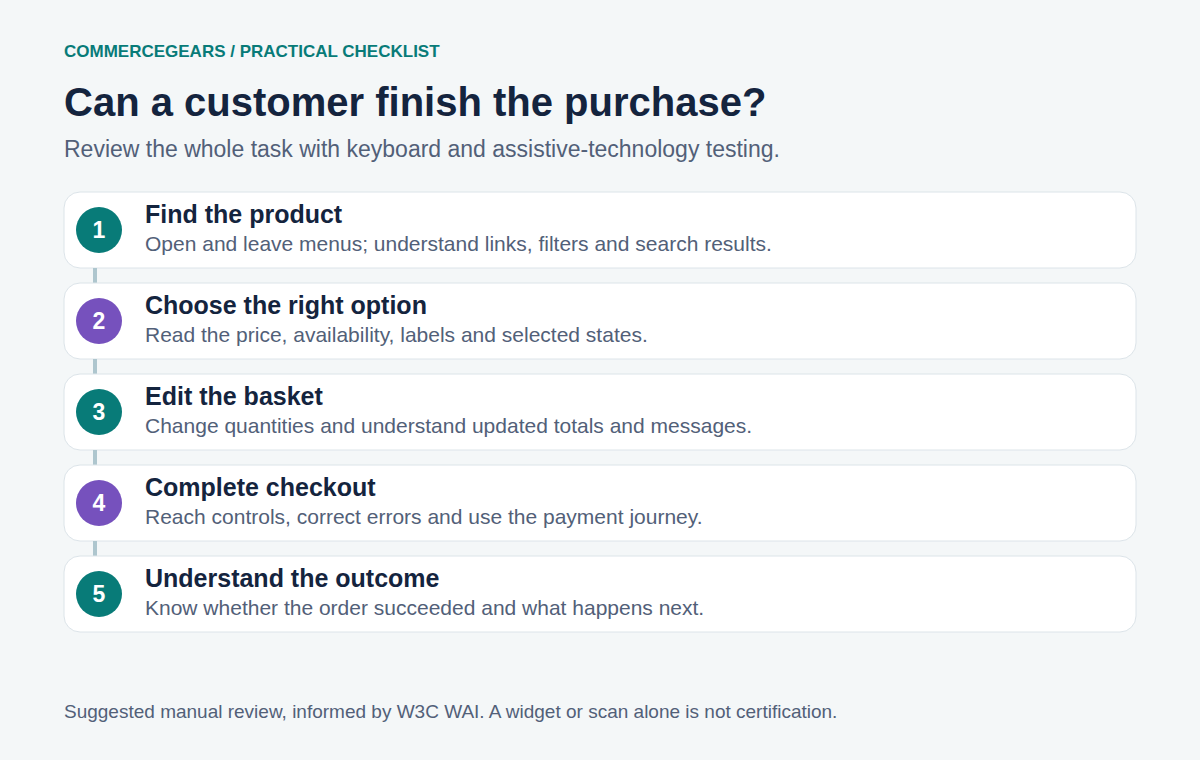
Audit the journey, not a collection of attractive screenshots
Choose a realistic task: “Buy the blue jacket in medium, deliver it to a different address and pay by card.” Include the failure paths, because that is where many interfaces stop being helpful.
| Stage | A useful manual check |
|---|---|
| Navigation | Can keyboard users open, leave and understand the menu? |
| Product choice | Are option names, prices, availability and selected states understandable? |
| Basket | Does changing quantity communicate the updated result? |
| Checkout | Are labels persistent, errors specific and focus movements predictable? |
| Payment and confirmation | Can shoppers complete authentication and understand whether the order succeeded? |
Also test zoom, small screens and high-contrast settings. Listen to key pages with a screen reader rather than assuming that visual order equals reading order. Include someone experienced with the assistive technology; a first-time screen-reader user can mistake their own learning curve for a website defect.
For forms, W3C's forms tutorial4 explains labels, grouping, instructions and useful error feedback. A placeholder that disappears when someone types is not a dependable substitute for a label. “Something went wrong” is rarely a helpful diagnosis, however polite the font.
Make a repair list someone can actually work through
Record the page, steps to reproduce, expected behaviour and affected task. “Accessibility score 74” is hard to assign to a developer. “Keyboard focus moves behind the address modal, so the customer cannot reach Save” is actionable.
Start with barriers that prevent shopping: inaccessible navigation, product options, account creation and payment. Assign an owner and a retest date. Then tackle reading order, instructions, contrast, content and documents across reusable templates. A template repair can help hundreds of products, but check a sample of actual product content too.
Use an accessibility statement or other service information appropriate to your obligations to explain the work and a usable contact route. Avoid promising that everything is perfect while your issue list says otherwise. Honest, specific information is more useful than a compliance badge with no supporting evidence.
Magento extensions belong in the test plan
Every extension that adds a storefront control adds something to review. That includes chat, cookie preferences, search, product options, promotional popups and checkout fields. Test them together; individually sensible overlays can compete for focus or cover the same part of a mobile screen.
For example, Mega Menu changes navigation, Checkout Fields adds form controls and Product Attachments presents supporting documents. Those are relevant components to assess, not accessibility certification products. Uploaded PDFs need their own accessibility review; placing a difficult document behind a better link does not fix the document.
A theme change is another reason to retest. Our Hyvä Checkout compatibility checklist covers how to make that review specific enough to be useful.
Ask for the tested version, pages and tasks, the evaluation method, known limitations and the support route when something fails. If the answer is only “our widget makes you compliant”, ask who checked the payment journey and where the results are documented.
You do not need to turn this into a year-long presentation exercise. Start with one real purchase, fix the blockers, retest and extend the coverage. The aim is a shop more people can use independently. The icon can stay, if it helps. It just does not get to do all the work.
Sources
- Directive (EU) 2019/882, checked 2 November 2026. ↩
- Council's accessibility overview, checked 2 November 2026. ↩
- no evaluation tool alone can determine whether a site meets accessibility standards, checked 2 November 2026. ↩
- forms tutorial, checked 2 November 2026. ↩
From our shop
Related Products
-
Mega Menu
A drag-and-drop mega menu for Luma and Hyvä: your category tree plus your own items, with rich dropdowns, labels, dates and an accessible mobile menu.
- Magento 2.4.6 – 2.4.9
- Hyvä
- Luma
- Version v1.0.3
Free
-
Checkout Fields
Add your own fields to the Magento checkout without code, such as a delivery date, PO number, order comment or a dropdown, and find the answers on the order, in the order grid, in emails and on the invoice PDF.
- Magento 2.4.6 – 2.4.9
- Hyvä
- Luma
- Version v2.1.1
$119
-
Product Attachments
Manuals, data sheets and certificates on the product page, with sign-in, customer group and buyers-only downloads, for Luma and Hyvä.
- Magento 2.4.6 – 2.4.9
- Hyvä
- Luma
- Version v2.2.1
$119